Run a security review
Review a pull request or a folder of your code for security problems, and read what it finds.
1. Open Security review
Select Security review in the dock. It reviews a pull request or a folder in your connected GitHub organization, for security problems only. Connect GitHub first.NixGuardDashboard
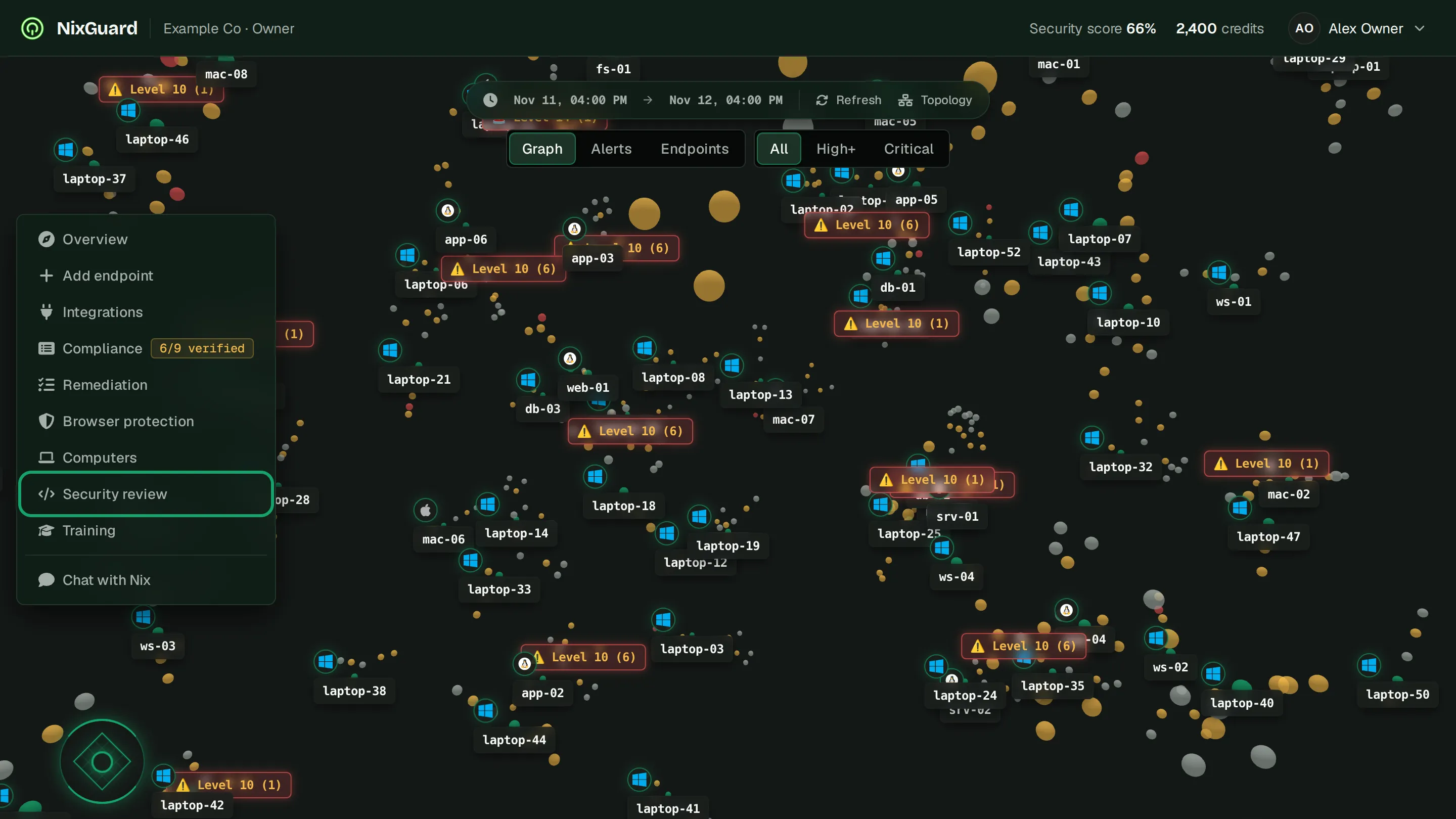
The NixGuard app, with example data.
2. Choose what to review
Enter the GitHub organization and the Repository. Under What to review, choose Pull request or Folder, enter the Pull request number or the folder's path, and select Get price.NixGuardSecurity review
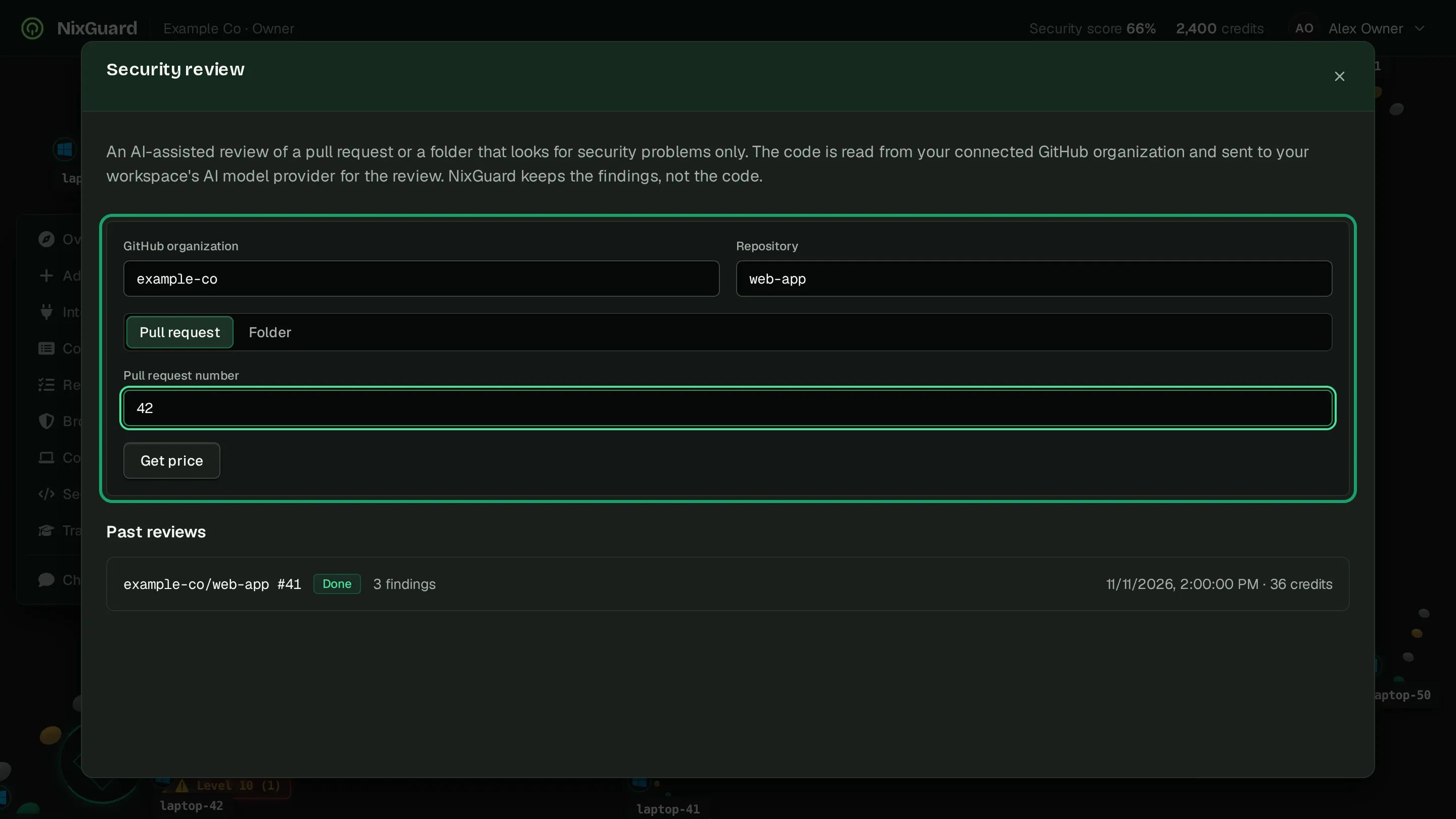
The NixGuard app, with example data.
3. Check the price and run it
The price appears in credits before anything runs, with the number of files and lines it covers and the AI model. Select Run review to start it. A review can take a few minutes.NixGuardSecurity review
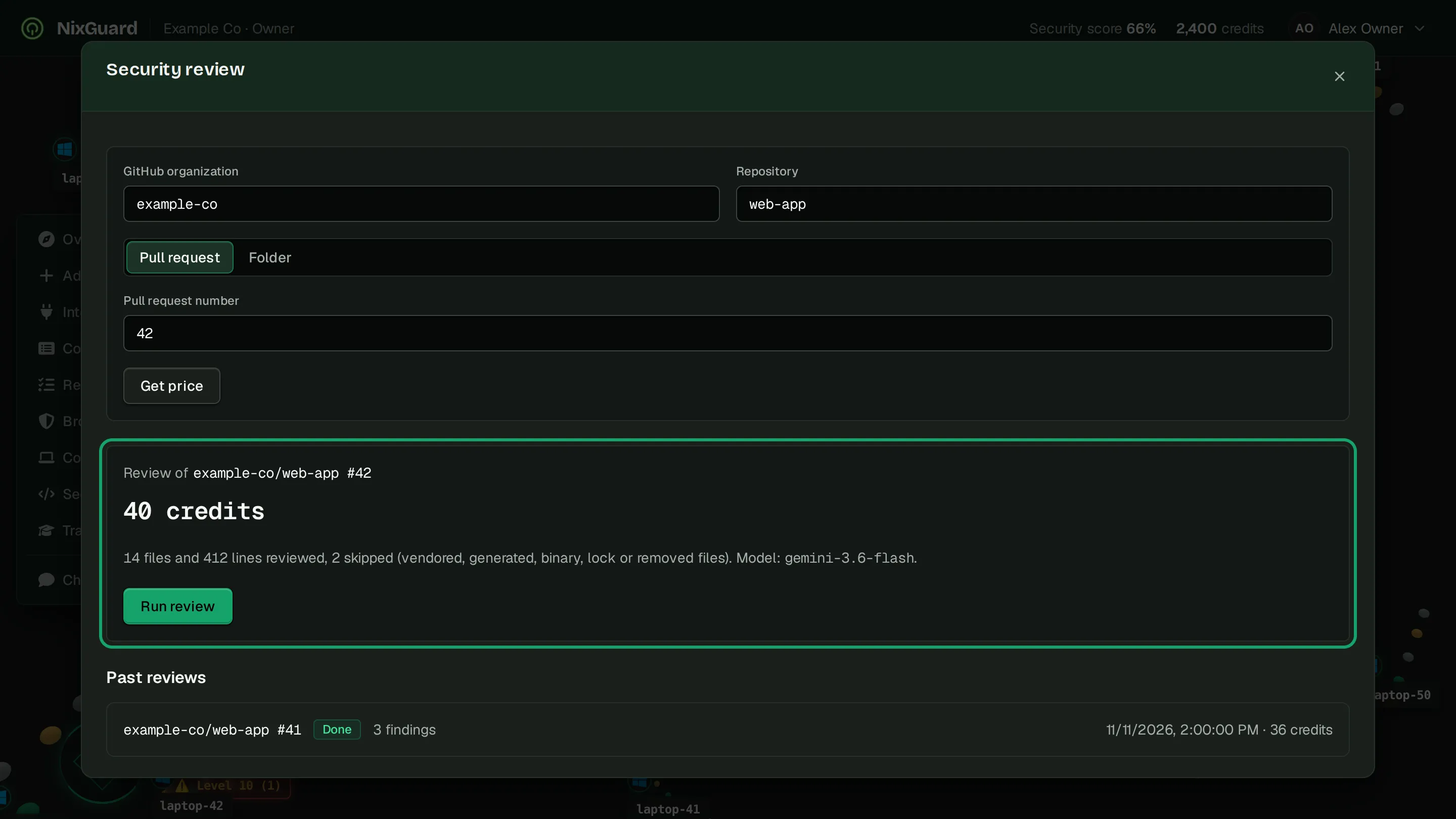
The NixGuard app, with example data.
4. Read the findings
Finished reviews are listed under Past reviews with how many findings each has. Open one to read its findings by severity: the file and line, what is wrong and why, and a suggested fix. NixGuard keeps the findings, not the code.NixGuardSecurity review
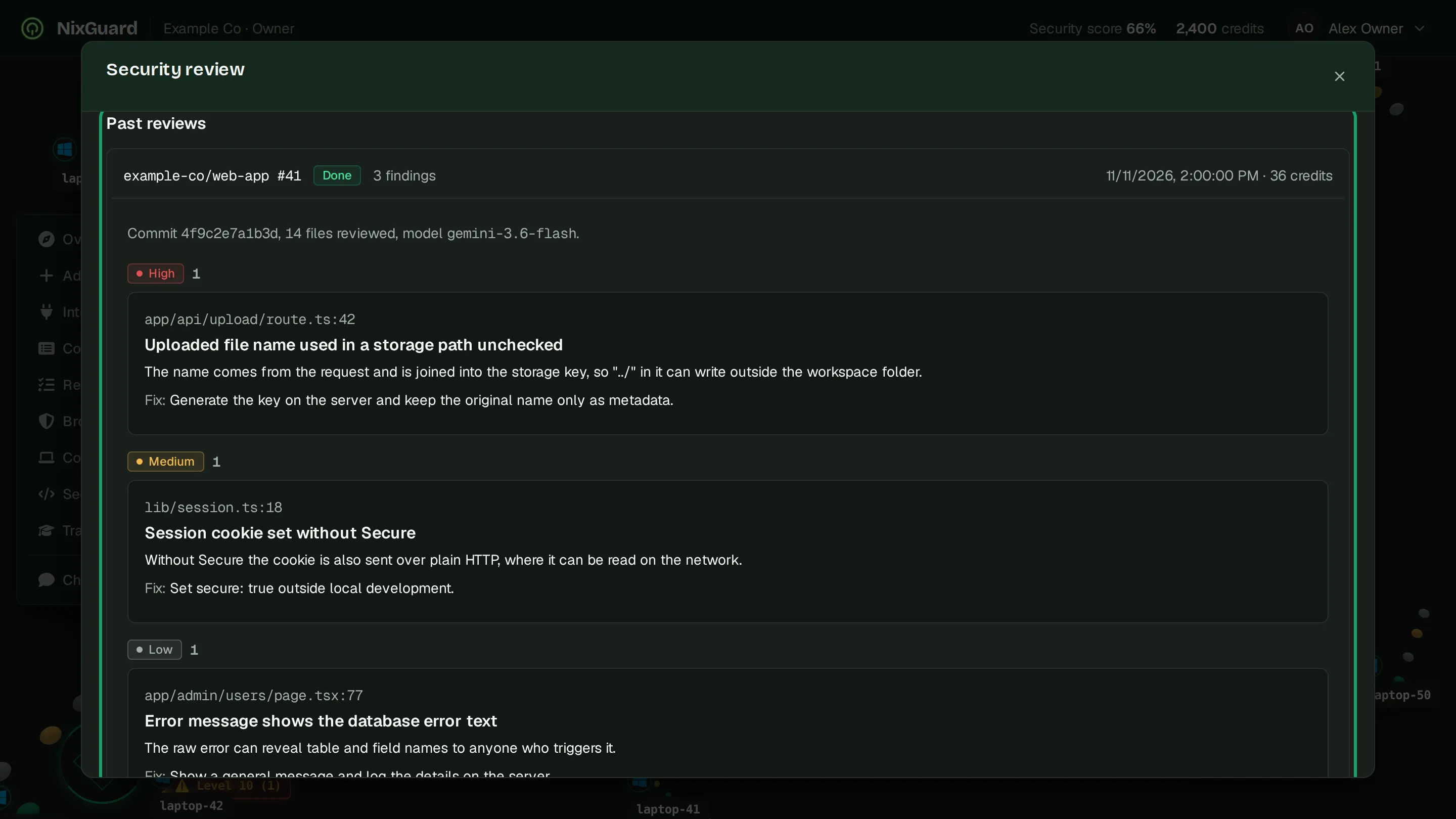
The NixGuard app, with example data.