Endpoint monitoring built on Wazuh
The open-source Wazuh agent on your Linux, Windows and macOS endpoints, installed with one command.
Endpoint monitoring
- Agents
- Install the agent on Linux, Windows or macOS with one command. Each endpoint gets its own enrolment key, and a guided Add endpoint flow walks you through it. It is the open-source Wazuh agent.
- Endpoint view
- See each endpoint's CIS benchmark results, installed software, open ports, known vulnerabilities and security alerts in one place.
- File integrity monitoring
- On Linux and Windows endpoints.
- Network devices
- The desktop app lists the printers, TVs, cameras, smart-home devices, routers and other devices on your network, including devices that cannot run an agent. It flags risky open services, alerts you when a device probes the network or poses as your router, and its DNS filter blocks known malware sites for every device.
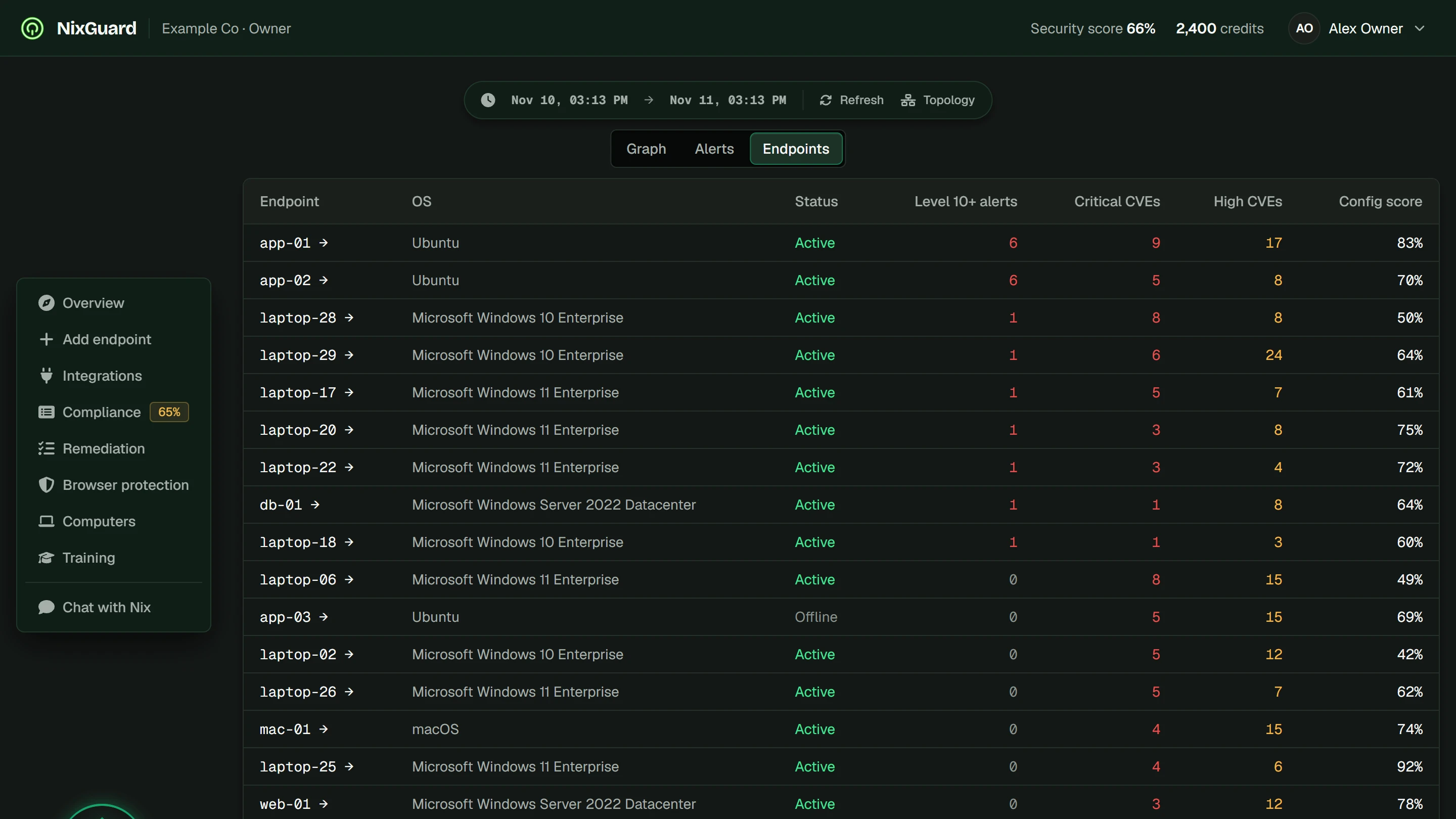
The NixGuard app, with example data.
Respond on the endpoint
Linux, Windows and macOS servers and laptops. The open-source Wazuh agent is installed with one command, and NixGuard can block an IP address, restart a service or update a package on them.
How fix plans and Autopilot work
The desktop app installs the agent in one click and checks each computer's settings
Questions
Is the agent open source?
Yes. It is the open-source Wazuh agent.
Which systems does it run on?
Linux, Windows and macOS servers and laptops. File integrity monitoring runs on Linux and Windows endpoints.
Do I need to run my own Wazuh server?
No. NixGuard runs it. Starter, Professional and Business plans each run on their own server.
Can I ask questions about my endpoints?
Yes. Ask Nix, the built-in AI assistant, about your security score, endpoints, alerts and connected accounts. It answers from your live account data.