Connect GitHub
Connect your GitHub organization so NixGuard can read it as evidence and review its code.
1. Open Integrations
Select Integrations in the dock. It lists every system NixGuard connects to.NixGuardDashboard
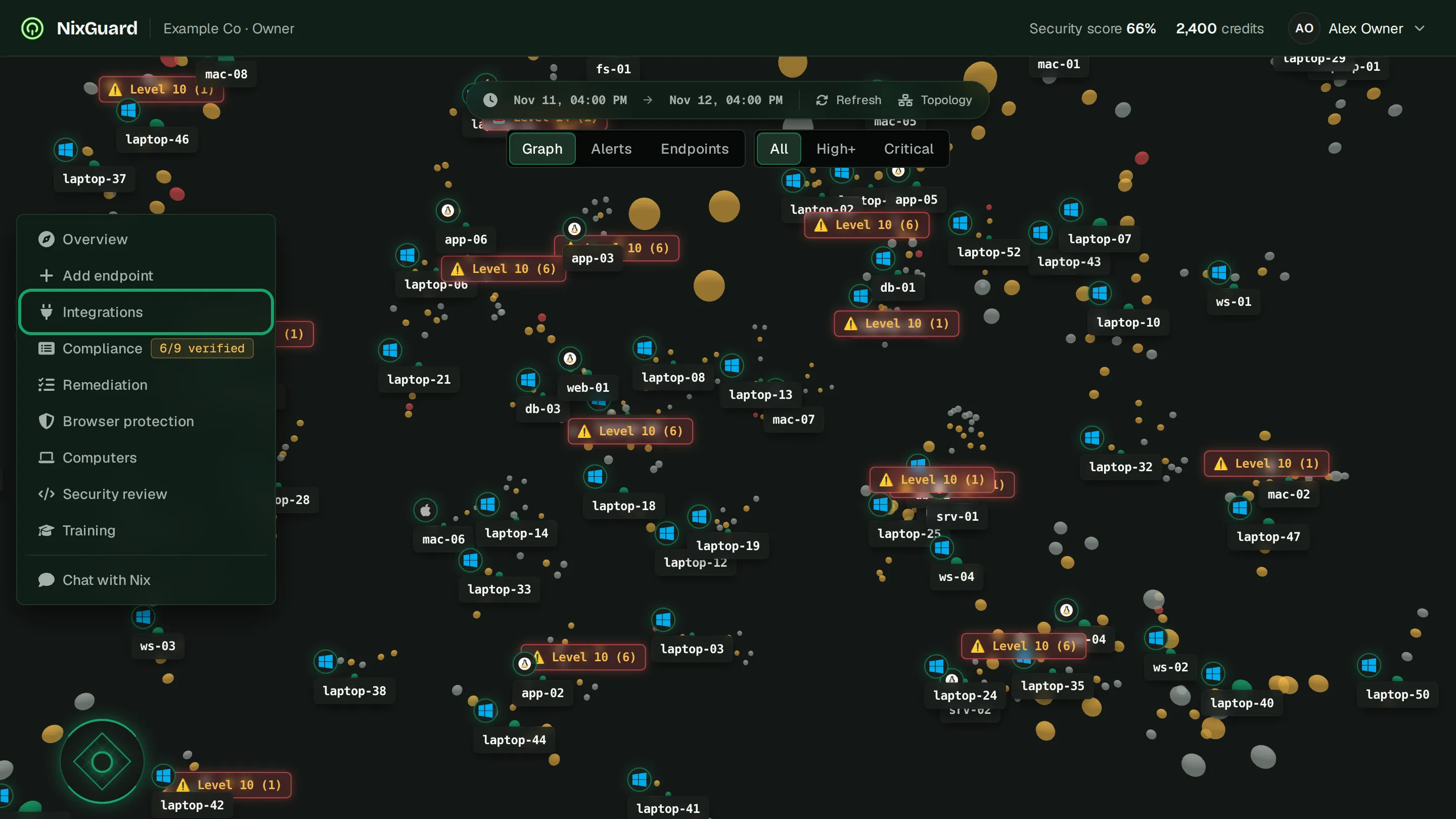
The NixGuard app, with example data.
2. Choose GitHub
Select the GitHub Enterprise card. The GitHub connector opens with its setup steps.NixGuardIntegrations
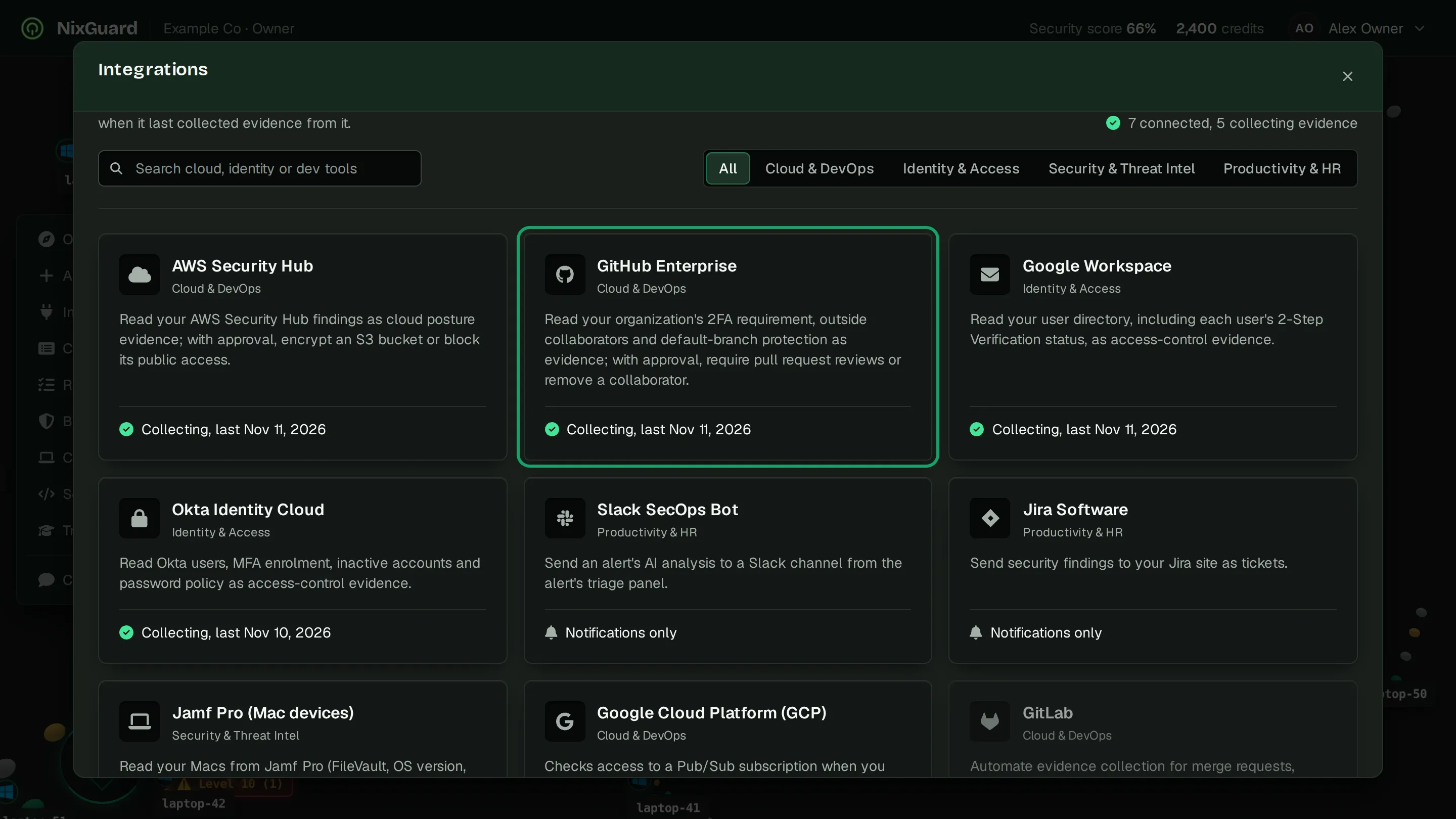
The NixGuard app, with example data.
3. Create a token on GitHub
Under Generate a Personal Access Token, select Generate Token to open GitHub's token settings. Make a fine-grained token, as the page recommends, with read-only Administration and Metadata on the repositories and read-only Administration and Members on the organization. To run security reviews, also give it read-only Contents and Pull requests.NixGuardIntegrations
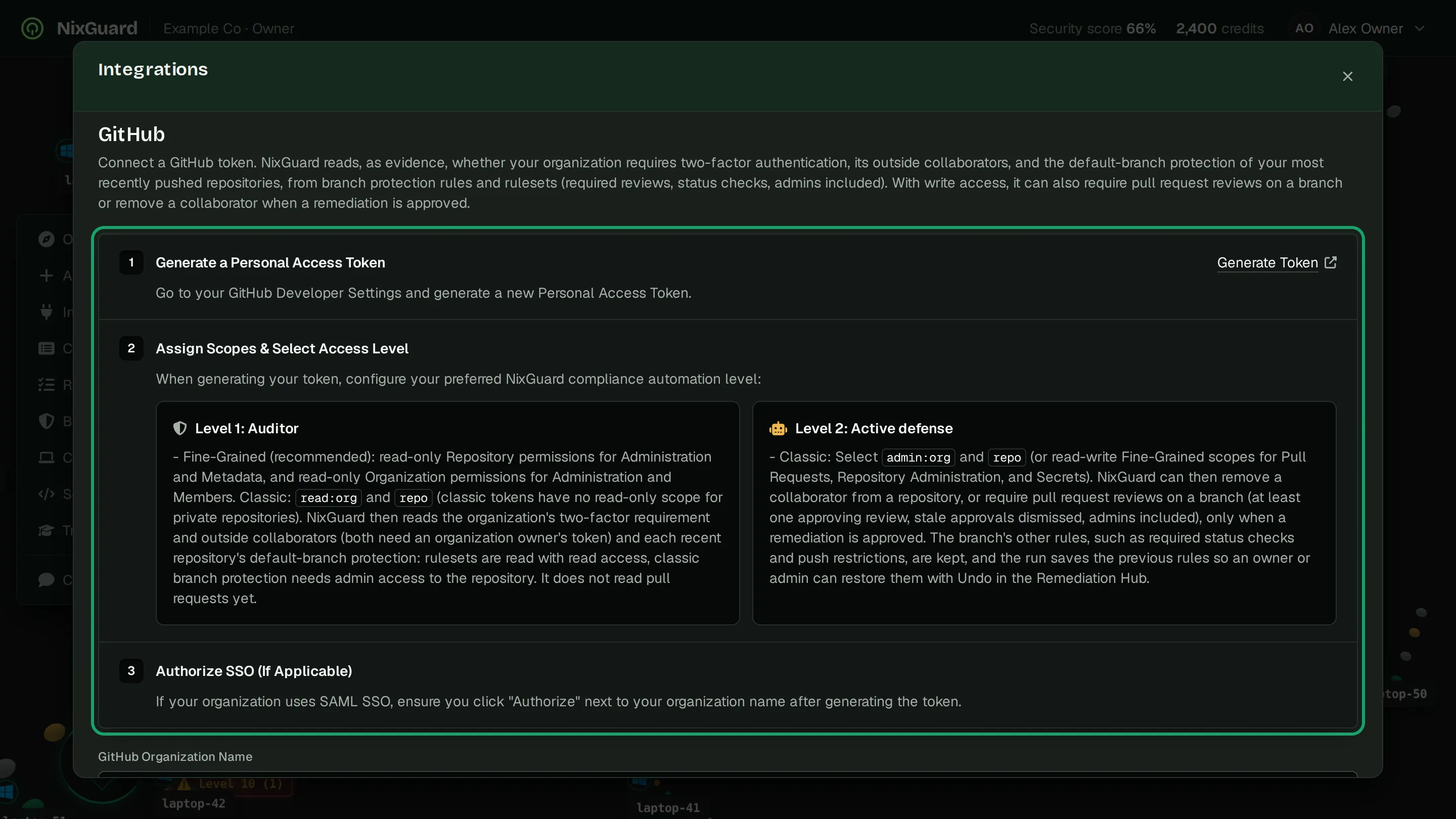
The NixGuard app, with example data.
4. Enter the token
Back in NixGuard, type your organization's name in GitHub Organization Name, paste the token into Personal Access Token (Classic or Fine-Grained), and select Connect. NixGuard checks the token against your organization before it saves it, and stores it encrypted.NixGuardIntegrations
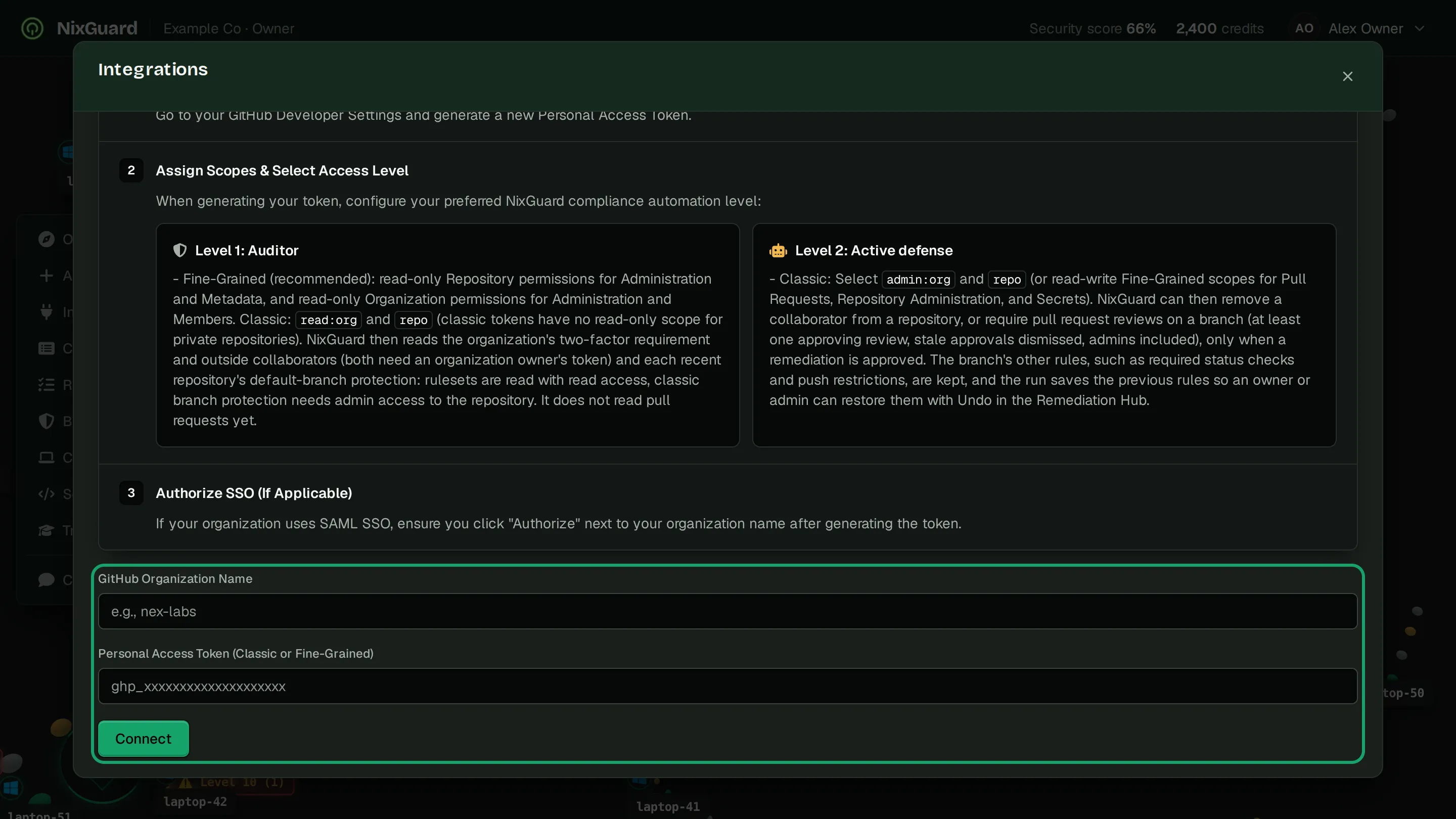
The NixGuard app, with example data.
5. Check it is connected
The connector now reads GitHub connected, with when it last collected evidence. Disconnect removes the connection.NixGuardIntegrations
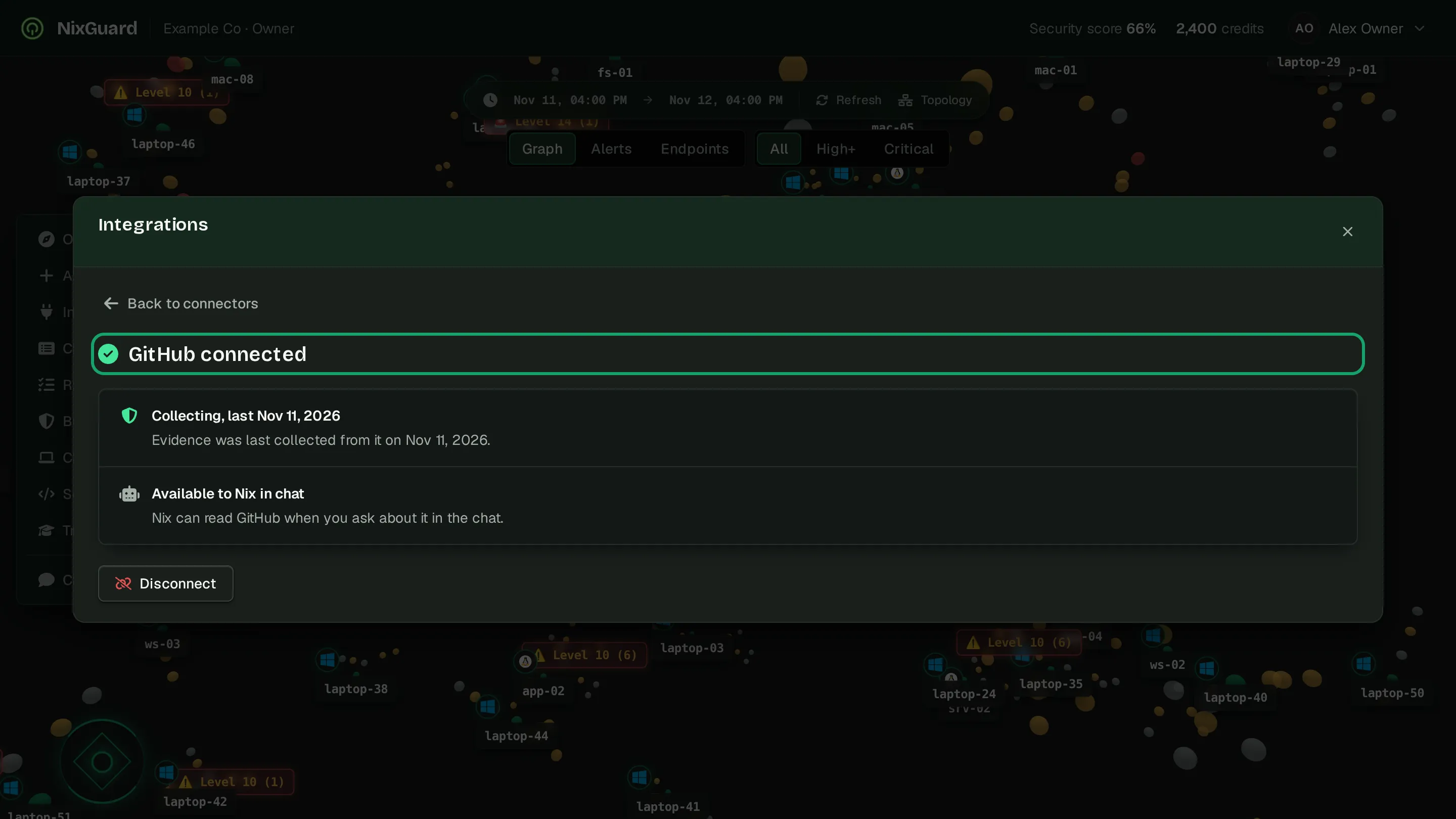
The NixGuard app, with example data.