Start a compliance program
Choose a framework, let NixGuard build the program's control list, and collect evidence for each control.
1. Open Compliance
Select Compliance in the dock. It holds your compliance programs: their controls, evidence and policies.NixGuardDashboard
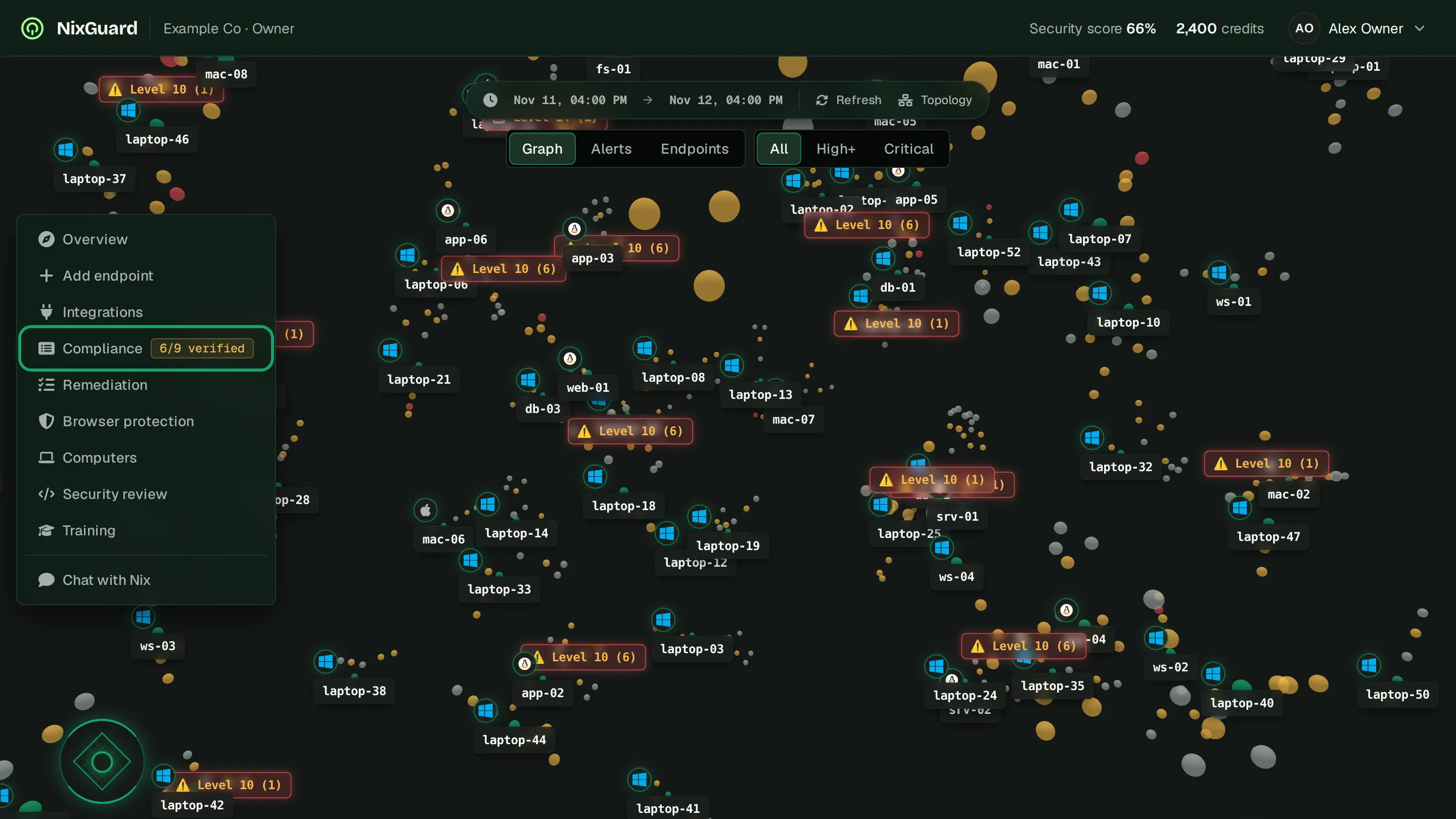
The NixGuard app, with example data.
2. Start a program
If you have no program yet, select Start a program.NixGuardCompliance
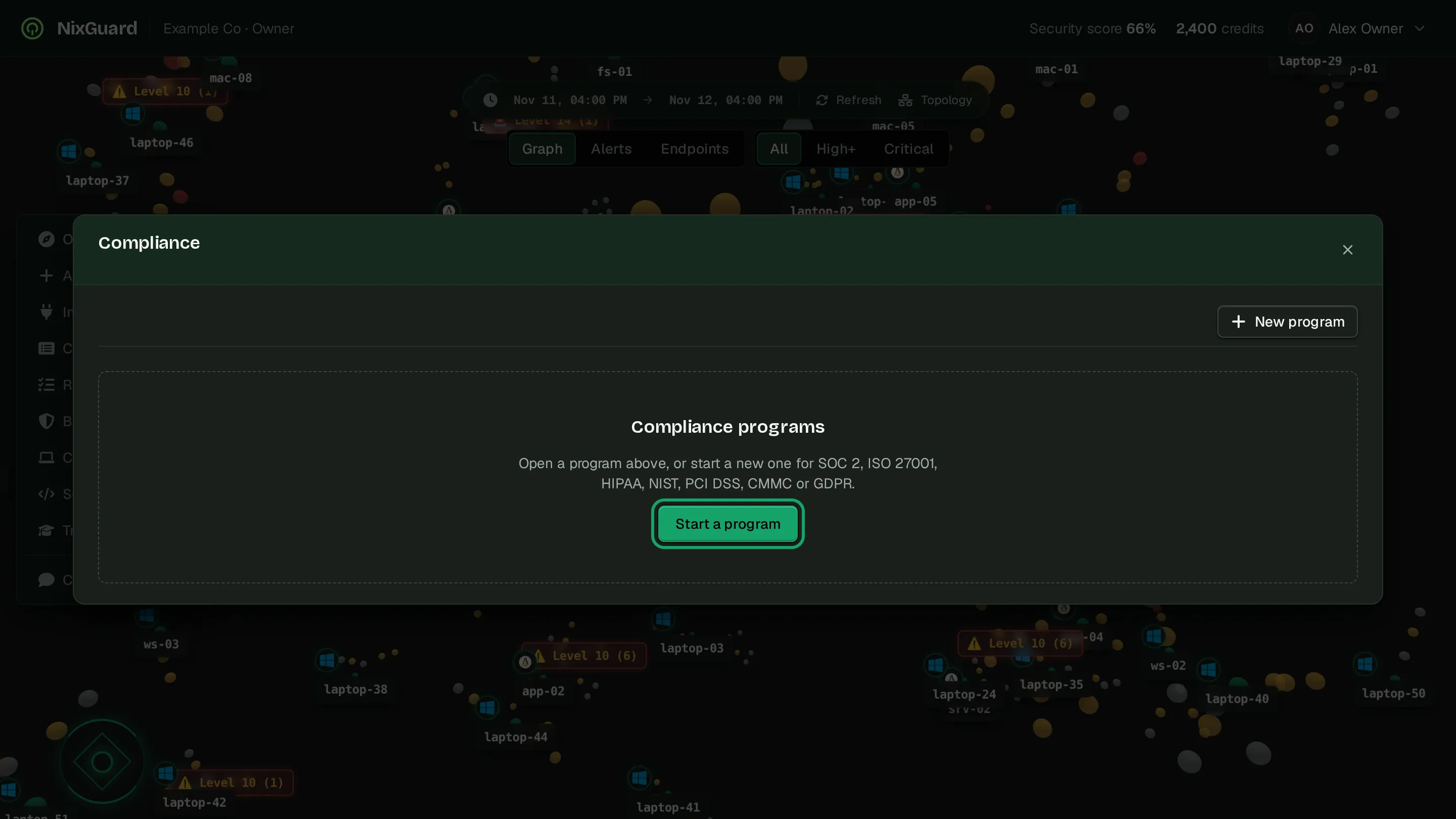
The NixGuard app, with example data.
3. Choose a framework
Under Start a compliance program, choose a framework: SOC 2 Type I, ISO/IEC 27001:2022, or a starter set for HIPAA, NIST SP 800-53, PCI DSS, CMMC or GDPR. The box under What the program should cover starts with a request for that framework; add your architecture, your number of endpoints and anything else in scope.NixGuardCompliance
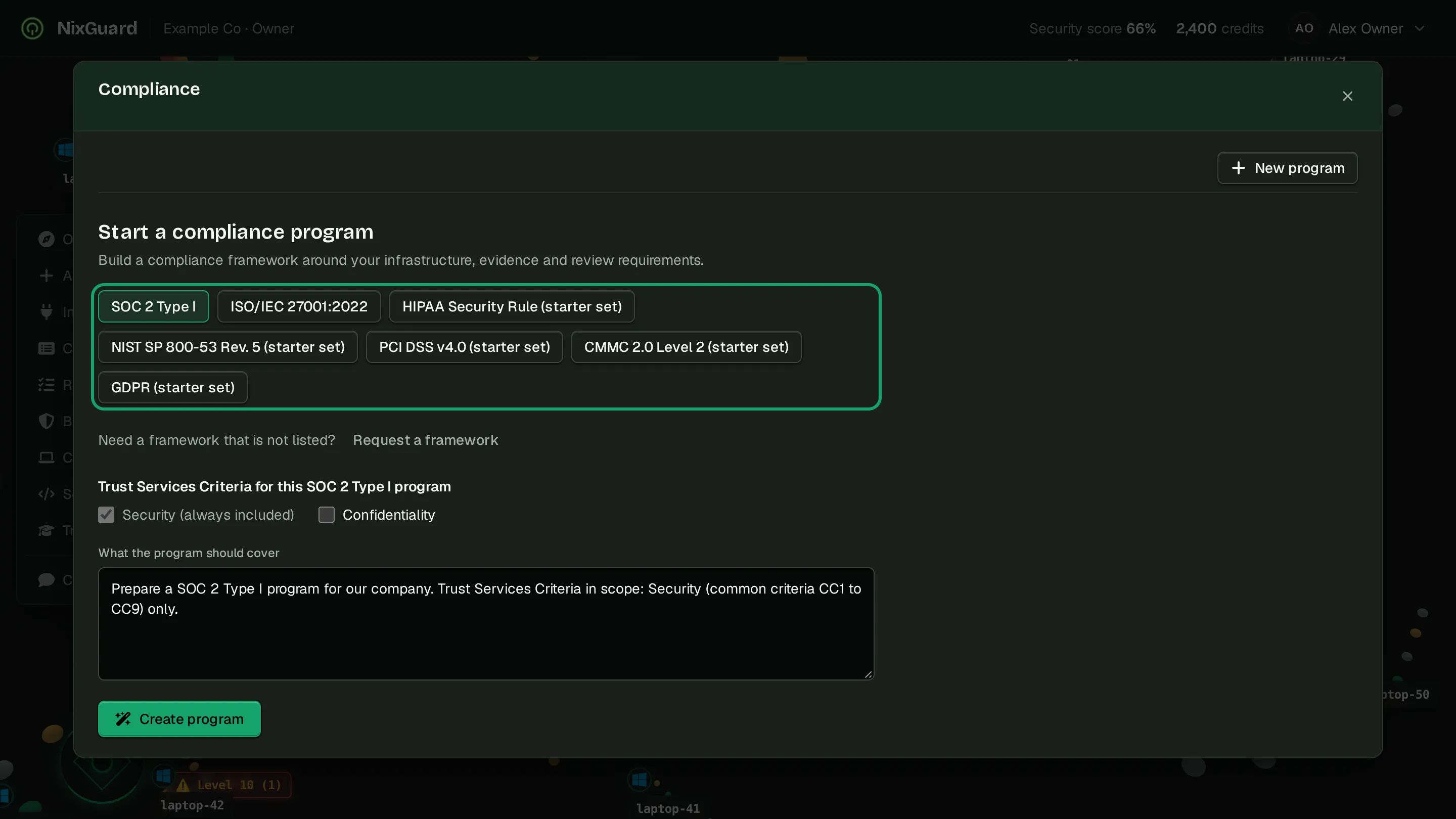
The NixGuard app, with example data.
4. Create the program
Select Create program. NixGuard builds the program's control list for the framework you chose.NixGuardCompliance
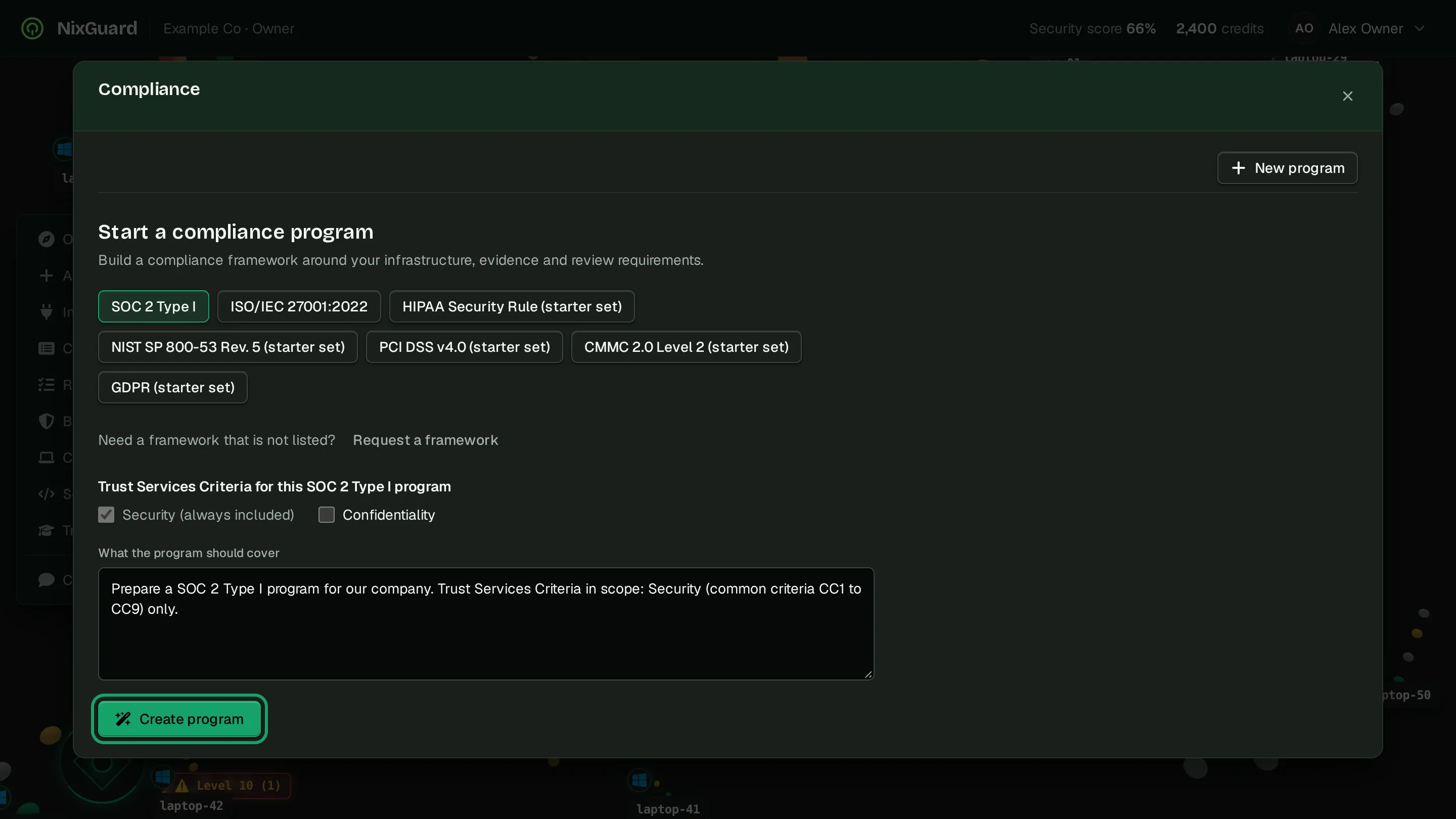
The NixGuard app, with example data.
5. Collect evidence for a control
Open a control in the program to see its evidence. Select Collect evidence to have NixGuard collect it from your connected systems and endpoint agents, or upload a file instead.NixGuardCompliance
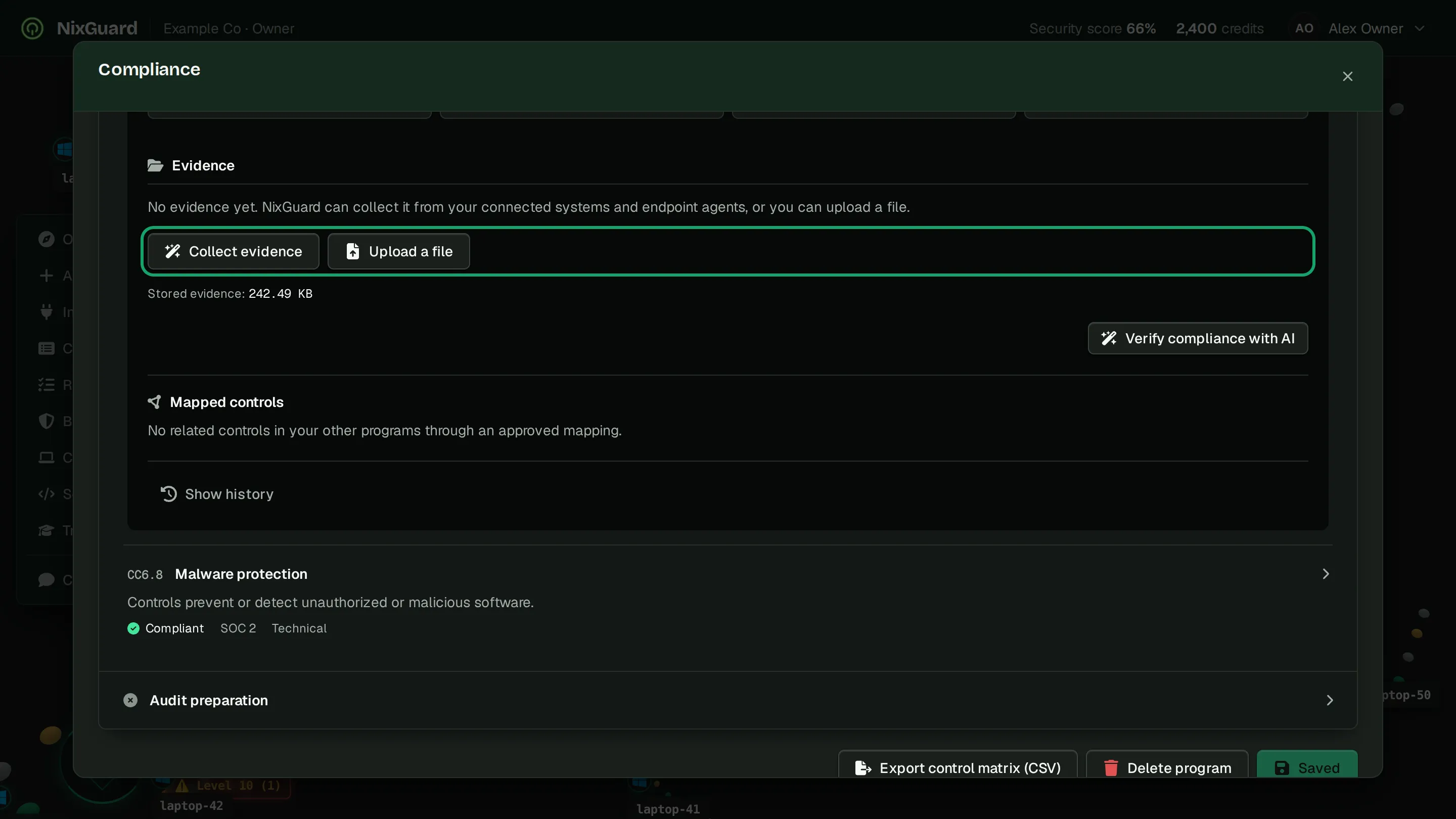
The NixGuard app, with example data.